

Online design tools
Make timetables, meal plans, schedules, QR codes, collages and covers in your browser: pick a template, change anything on it, and download a print-ready file. Templates, 33 fonts, shapes and icons, your own photos, several pages, and PDF, PNG, JPG or SVG.
Planners and printables
Start from a filled-in template, click anything to change it, and print a PDF at the real paper size.
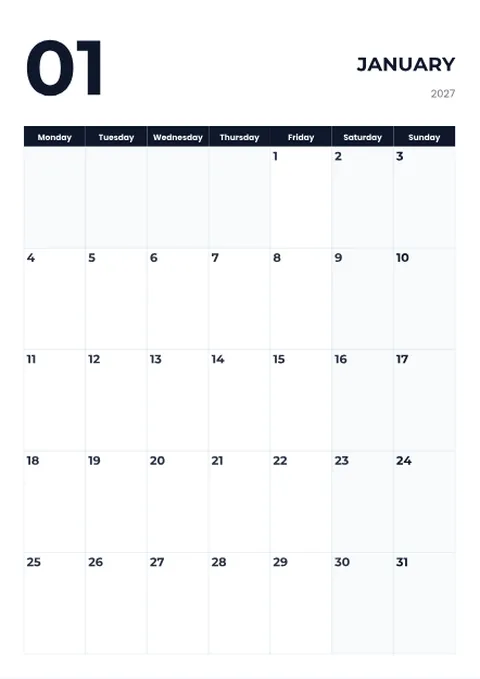 Calendar MakerMake a printable calendar for 2027 or any year: a photo above each month or a huge month number, public holidays, your own events, month names in 24...
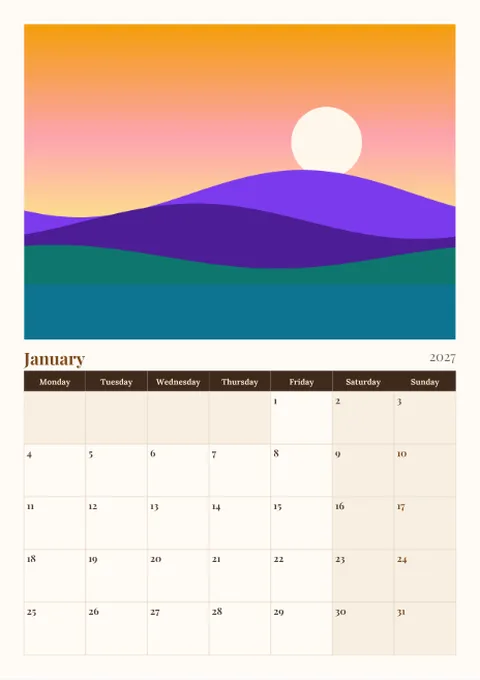 Photo Calendar MakerMake a personalised photo calendar: your own picture on every month, birthdays and anniversaries on their days, the family name in the footer, and a...
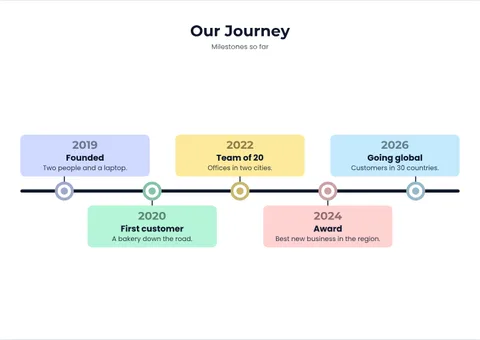 Timeline MakerCreate a timeline for a history project, company milestones, a project plan or a roadmap: type the events, pick a horizontal, vertical, arrow, step...
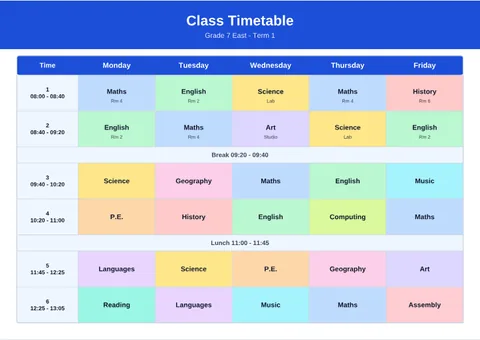 Timetable MakerMake a school, class or study timetable in minutes, or a work rota, routine or meal plan: start from a template, click a cell to type, and every...
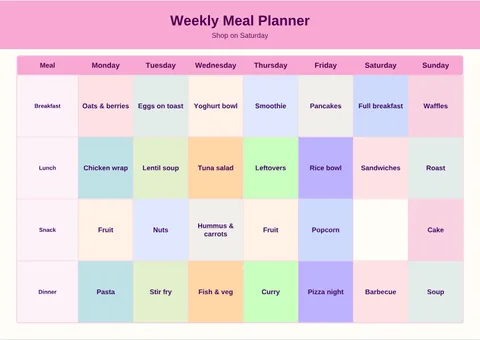 Meal PlannerPlan the week's breakfasts, lunches, snacks and dinners on a weekly meal planner you can change: rename the rows, add notes and your family name...
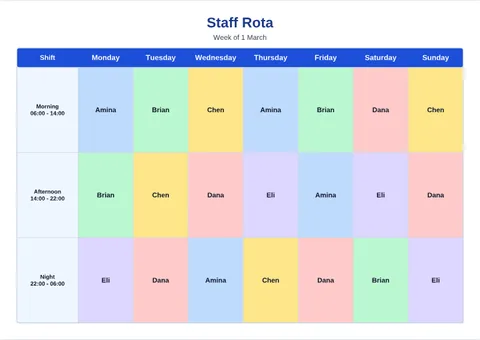 Schedule MakerMake a work schedule, a staff shift rota, a weekly routine or a class schedule: a colour per person or task, your logo in the heading, several weeks...
Whiteboard and mind maps
An endless board to brainstorm, plan and teach on: notes, drawing, shapes and arrows, saved as you go.
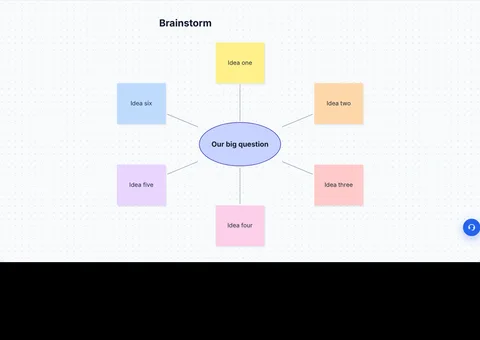
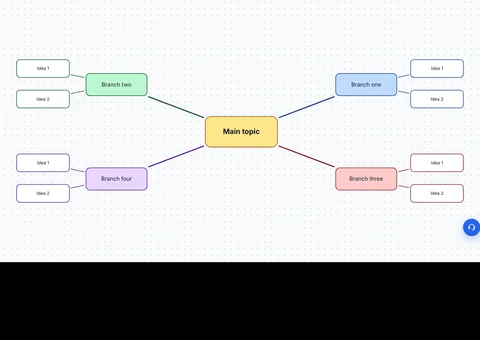
Charts and graphs
Type or paste your numbers, or bring them from Excel, and download a chart for a report, a slide or a poster.
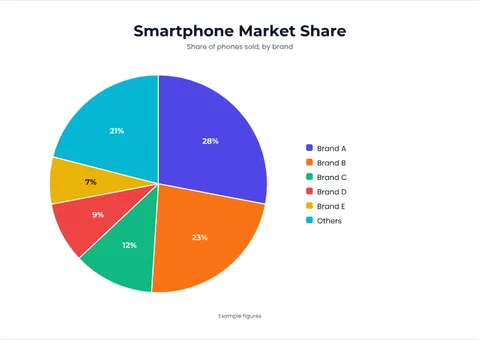 Pie Chart MakerMake a pie chart online: type your numbers or paste them from Excel and the percentages are worked out for you.
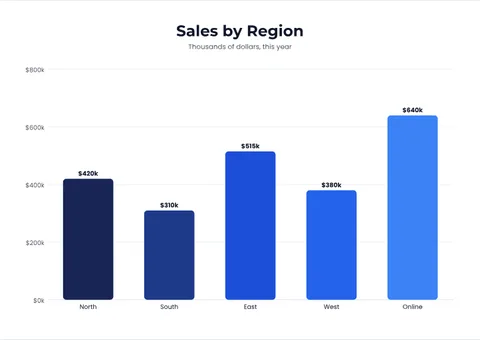 Bar Graph MakerMake a bar graph or column chart from your numbers or an Excel sheet: a clean scale, values on the bars, a colour per bar and your heading.
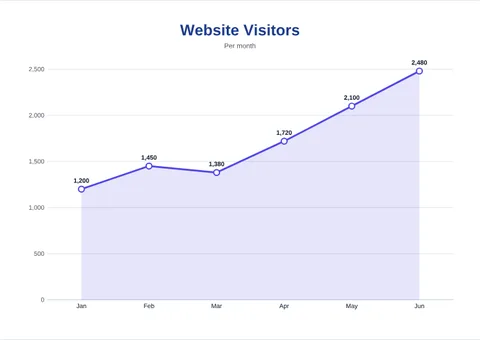 Line Graph MakerMake a line graph that shows change over time: type the points or paste them from Excel or Google Sheets, add a heading and colours, and download a...
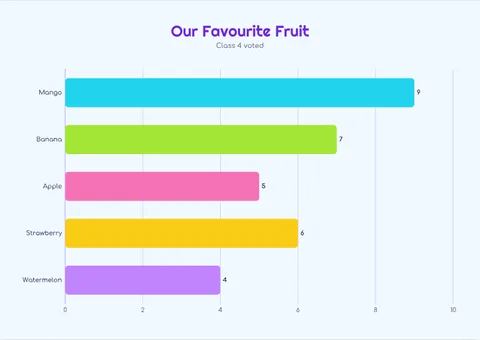 Graph MakerMake a graph from your numbers: pie, donut, 3D pie, bar, column or line, with percentages worked out, data from Excel or a CSV, your colours and...
QR codes
Custom QR codes with colours, a logo, a photo behind the code and words above it, checked for scannability before you download.
 QR Code GeneratorMake a custom QR code for a link, Wi-Fi, vCard, WhatsApp, location, UPI payment, Google review, PDF, menu or social profile.
 UPI QR Code GeneratorMake a UPI payment QR code from your UPI ID in seconds, with or without a fixed amount.
 Location QR Code GeneratorMake a QR code for a location from an address or coordinates.
Social media and photos
Collages, profile grids and carousels sized for each network.
Books and print
Covers, colouring pages and patterns for print on demand.
Vector, logo and signature
Edit and animate vector art, or make an SVG from a picture.
What every design tool here does
- Templates to start from, filled in so you can see the result first.
- Click to edit, drag to place: text, shapes, icons, lines and your own pictures.
- Fonts and text effects: 33 typefaces, font combinations, shadow, outline and highlight.
- Backgrounds: colours, patterns, or a photo you can fade, blur, zoom and position.
- Pages: several in one design, downloaded as one PDF or every format in one ZIP.
- Print-ready: A4, A3, US Letter and US Legal at 300 dpi, portrait or landscape.
Questions
Is this a Canva alternative?
For printables, planners and QR codes, yes: start from a template, change the words, colours, fonts and pictures, drag shapes and icons onto the page, and download a print-ready PDF, PNG, JPG or SVG. It is not a general design suite: there are no video, presentation or team features, and every tool here is made for one kind of thing.
Do I need an account to design?
No. You can design without signing up, and your work is kept in your browser while you go. Downloading follows the same pricing as the rest of the site, shown before you pay.
Can I use my own logo and photos?
Yes. Upload pictures, drag them onto the page, set a photo as the whole background and fade or blur it so the text stays readable.
Which fonts can I use?
Thirty-three open-licence typefaces, from clean sans serifs to scripts and handwriting, plus font combinations ready to drop in. They are drawn into your download as shapes, so the file looks the same everywhere.